
Google Business Profile · Local SEO · Google Maps
Google Maps for dentists: visibility, trust, and a clearer path to patient inquiries
A premium Local SEO guide for dental practices, clinics, and healthcare administrators who want to improve how patients find, evaluate, and contact their office through Google Maps.
No ranking promises, no appointment guarantees, and no clinical claims. This guide focuses on visibility, trust, and practical contact readiness.
Before investing more in ads, review how patients find your practice
A dental practice can provide excellent care and still be difficult to find when someone searches nearby. It can also appear on Google and still lose opportunities because the phone number is not working, the hours are outdated, or the next step is unclear.
These are different problems. One is about visibility. The other is about trust and ease of contact.
To improve a dental practice’s presence on Google Maps, check whether a profile already exists, confirm who manages it, complete the verification Google requires, and use the name, location, and categories that represent the real business. Then review services, hours, photos, reviews, and contact options.
01
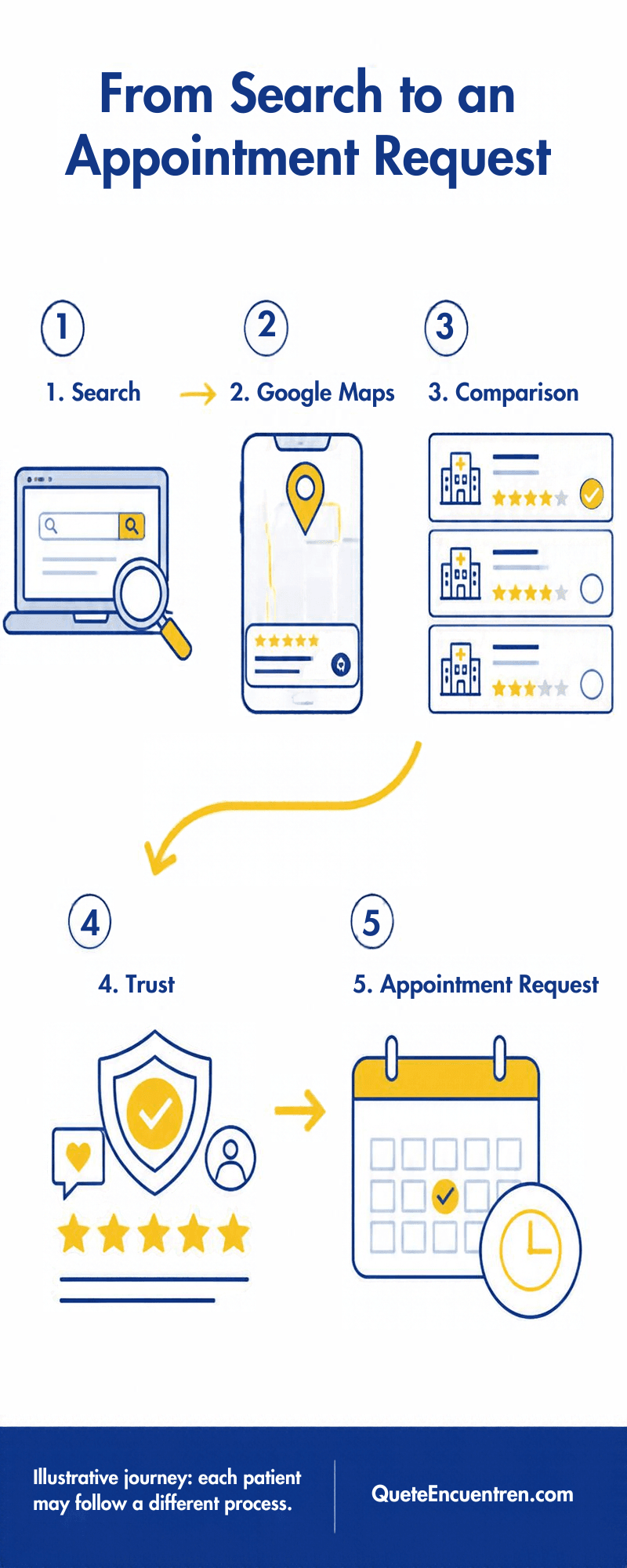
How a patient searches before contacting a dental practice
One person may search for “dentist near me” because they need a nearby option. Another may search for “orthodontist in Guadalajara” and compare practices before asking for an evaluation.
Not every patient follows the same path, but you can review whether your digital presence answers key questions without forcing people to search across multiple pages.
- Where is the practice and how do I get there?
- Do the hours match my availability?
- Does the practice offer the service I need?
- What do the real photos show?
- What do the reviews say?
- How can I request an appointment?
02
Appearing on Google Search and Google Maps is not exactly the same
Google Search may show web pages, ads, and local results. Google Maps helps people explore businesses and places related to a location.
Your Google Business Profile can appear on Maps and in local results on Search. Your website can also appear as a separate organic result. These assets are related, but they are not the same.
Read the general guide to getting your business on Google Maps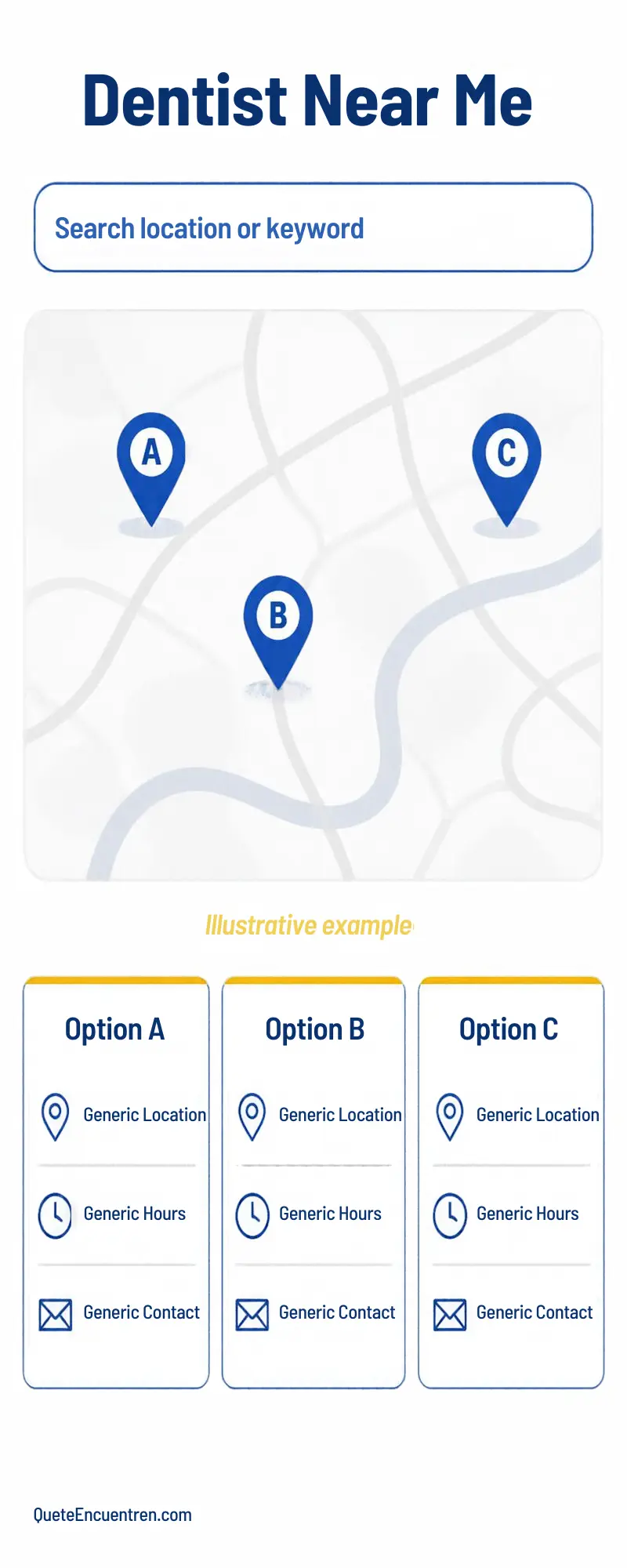
03
First, decide which profile represents your real operation
Before creating a new profile, search for the practice name and the professional’s name on Google Maps. A listing may already exist and simply not be managed yet. Creating another one without checking can create confusion.
Single-dentist practice
Review how the practice is actually presented on signage, your website, and official materials. Do not add city names, treatments, or promotional phrases to the business name just to try to rank.
Clinic with multiple professionals
The organization and the professionals may have different profiles when they meet Google’s conditions. Extra profiles should not be created just to occupy more space.
Multiple locations
Each profile should represent a real location with its own data, address, and hours. Do not create virtual locations where no eligible operation exists.
04
The information that can move a patient closer to an inquiry
The primary category should represent the main activity. Depending on the operation, a category such as “Dentist” or “Dental clinic” may be appropriate. There is no universal category that guarantees better rankings.
Also review services, location, phone number, and hours. The priority is to avoid real contradictions: an old number, an outdated address, or a schedule that does not match the actual operation.
Quick mini-audit
- Correct primary category.
- Real and updated services.
- Phone number tested from mobile.
- WhatsApp or booking path working.
- Real hours, including special closures.
05
Mistakes that can cost patient opportunities
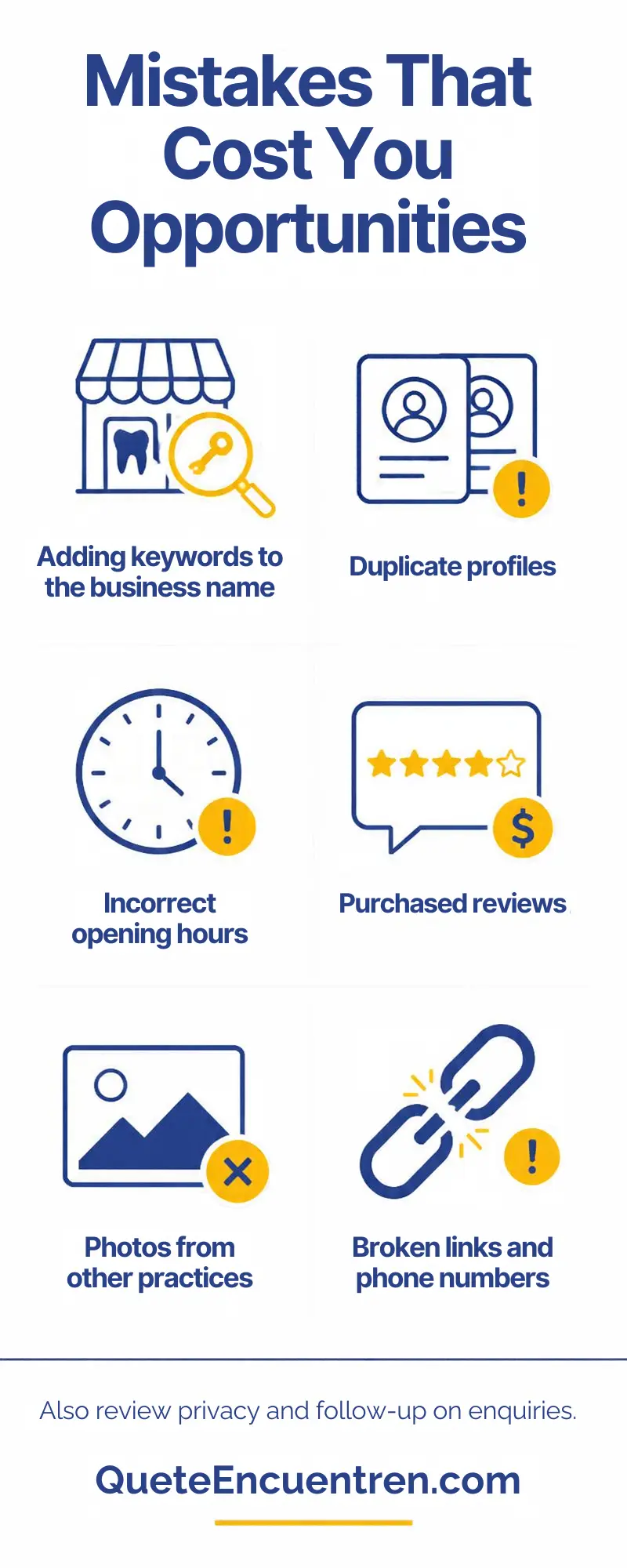
Many problems do not start with the algorithm. They start with details that make a patient hesitate or interrupt the contact process.
- Changing the business name to add keywords.
- Creating profiles without checking existing ones.
- Advertising hours or services that cannot be fulfilled.
- Buying reviews or rewarding their publication.
- Replying in a way that reveals patient information.
- Using photos from another practice or clinic.
- Leaving links or phone numbers untested.
06
Photos and reviews: building trust without invading privacy
Useful photos
Prioritize current images of the entrance, reception area, facilities, signage, and authorized equipment. Avoid photos from other clinics or images that could be confused with your own facilities.
Responsible reviews
You can make it easier for people to share their experience, but without buying reviews, offering incentives, or selectively asking only satisfied patients to post.
“Thank you for visiting us. If you would like to share your experience with the practice, you can leave an honest review on Google through this link.”
07
Make it easier for interest to become an appointment inquiry
Test your contact options from a mobile phone. Does the call go to the right number? Does WhatsApp open the correct chat? Does the booking link work?
A click on WhatsApp does not prove that a message was sent. A message does not prove that an appointment was booked or that the patient showed up. Separate inquiries, confirmed appointments, and attendance.
Does your dental practice appear online but generate few appointment inquiries?
We can review how your Business Profile, website, reputation, and contact paths work together to identify where opportunities may be lost. We do not begin with ranking promises; we begin by identifying what patients find and what should be fixed first.
Explore Local SEO services08
When treatment pages may be useful
You do not need a separate page for every phrase someone might search. A dedicated page can be useful when a real service needs enough explanation to help the patient decide whether to request information.
Dental service descriptions should be prepared or reviewed by the responsible professional. Identify who provides the service, where it is offered, and how to request an evaluation, without promising clinical results.
09
What influences Google Maps and what you can control
Google explains that local results are mainly based on relevance, distance, and prominence. You cannot control the algorithm or guarantee a position for every patient.
Relevance
Category, complete information, and real services.
Distance
Accurate location and useful references; you cannot control where every patient searches from.
Prominence
Authentic public presence, a useful website, and a responsible review process.
10
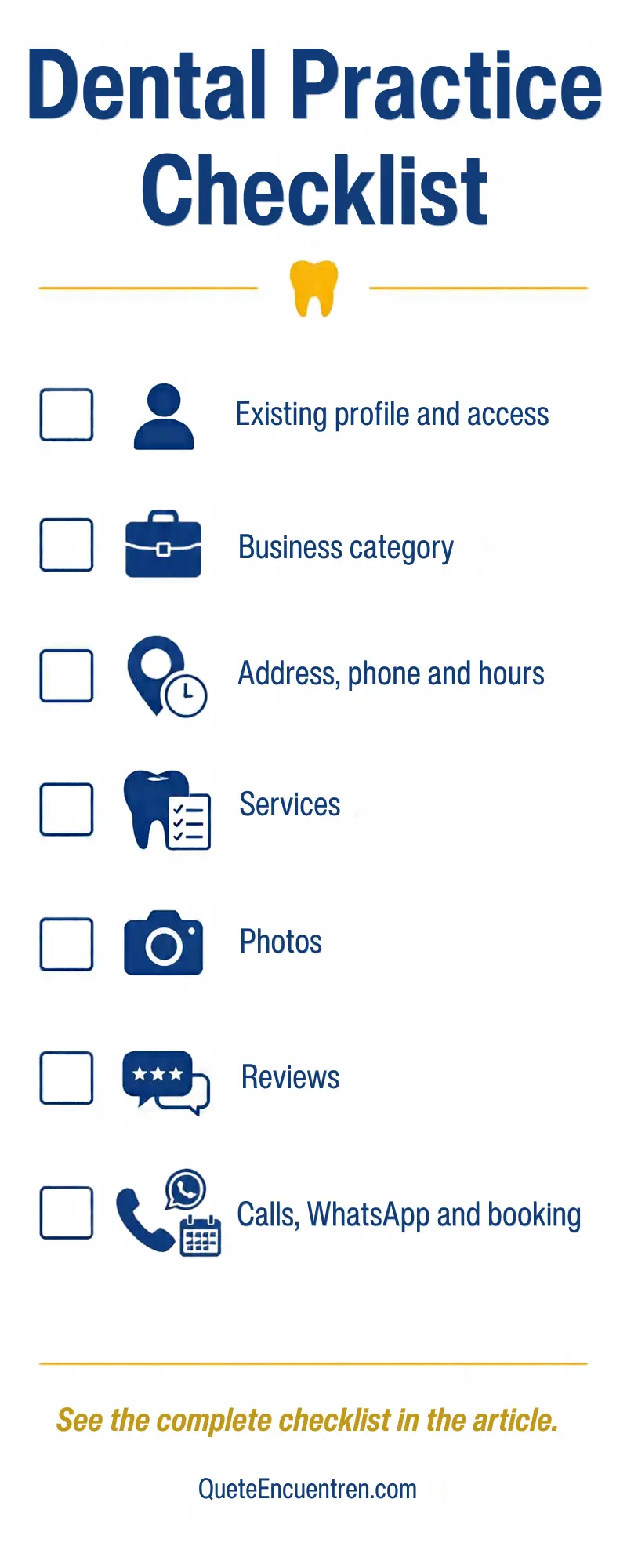
Checklist for reviewing your dental practice
- Review existing profiles before creating a new one.
- Confirm who owns and manages the profile access.
- Verify that the name represents the real business.
- Confirm that the primary category describes the main activity.
- Review address, phone number, and hours.
- Use real photos that do not expose patient information.
- Request reviews neutrally and without incentives.
- Test phone, website, WhatsApp, and booking paths from mobile.
- Separate inquiries, confirmed appointments, and attendance.
11
Frequently asked questions
Do I need a website to appear on Google Maps?
A website is not always required to create an eligible Business Profile. However, a website can provide more professional information, explain services, and support patient contact.
Which category is better: Dentist or Dental clinic?
The best category is the one that most accurately describes the real operation. Do not choose a category based on a supposed universal ranking advantage.
How many reviews do I need?
There is no number of reviews that guarantees a specific position. Request authentic reviews consistently and responsibly.
Can I have a clinic profile and a dentist profile?
It may be appropriate when Google’s conditions are met for both the organization and the professional. Do not open extra profiles just to repeat services.
How long does it take to improve visibility?
There is no universal timeline. Track visibility and contact requests, and avoid accepting guarantees of dates or positions.
Initial consultation
Request an initial visibility consultation for your dental practice
We will review how your practice appears publicly, what a potential patient finds, and which contact paths are available for requesting an appointment.
The initial consultation lasts 30 minutes. To begin, we only need the practice name, city, Business Profile link, and website if available. We do not request passwords or patient information.
Request my initial consultationPrefer to choose a date directly? Book a video call.
Sources and editorial criteria
This guide is about digital visibility and commercial contact paths, not medical diagnosis or treatment. QueteEncuentren’s operational recommendations are separated from Google’s published rules and local ranking factors.