
How to Get Your Business on Google Maps
How to Get Your Business on Google Maps: A 7-Step Guide
Getting your business on Google Maps starts with a free Google Business Profile. If your business is eligible, you can add or claim it, verify that you are authorized to manage it, and control important information customers may see on Google Search and Maps.
But getting listed is only the beginning. Your profile also needs to represent the real business accurately, answer the questions customers have, and make it easy for them to call, visit, message, book, or reach your website.
This guide explains the process in seven practical steps. It is written for business owners in Mexico, including restaurants, tour operators, clinics, professional services, shops, and service-area businesses, that depend on local customers or serve English speaking visitors.
First, Understand How Google Chooses Local Results
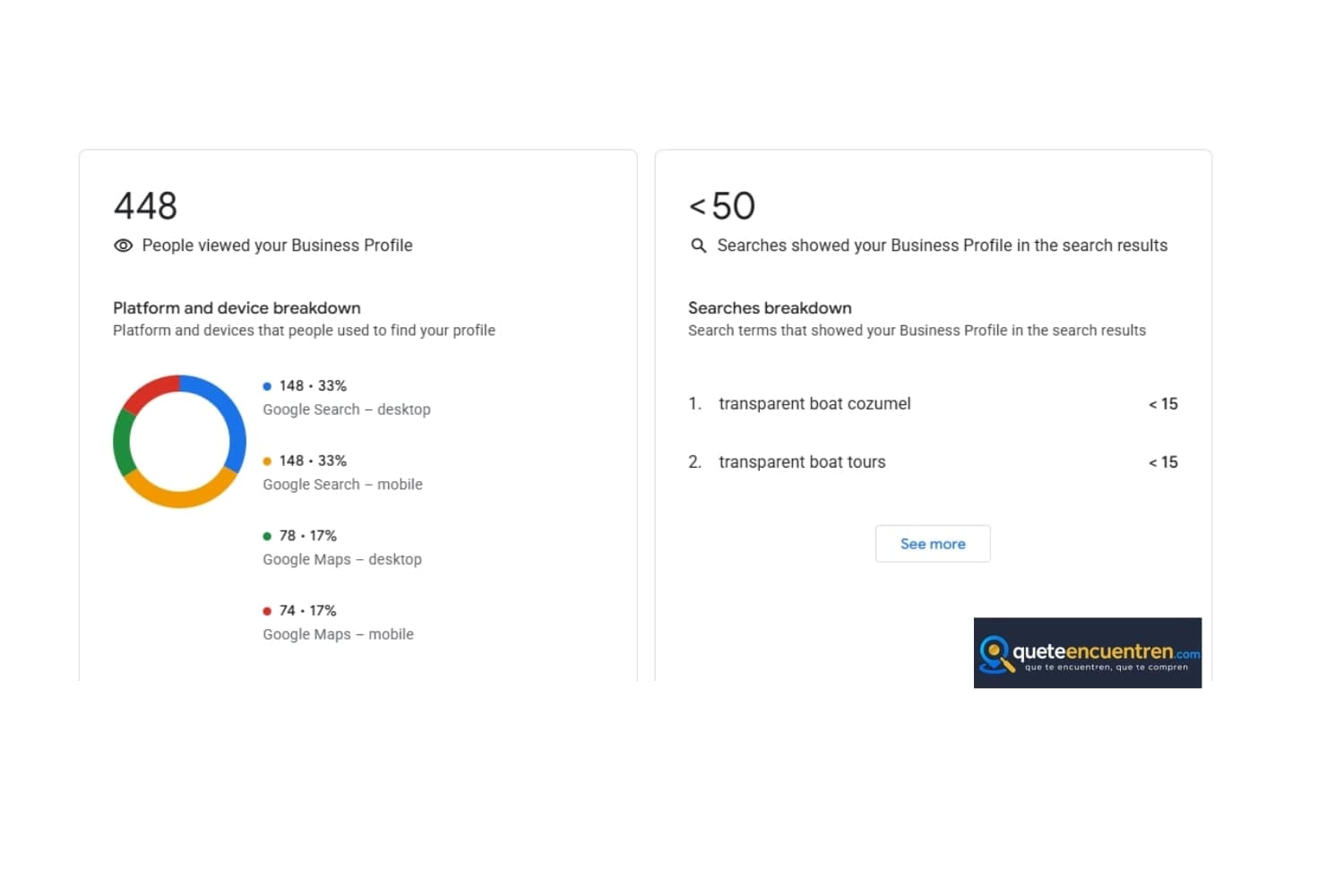
Google’s local results are designed to help users find businesses that are relevant to their search, close enough to serve them, and credible enough to consider. When someone searches for a dentist, restaurant, tour, clinic, or service near them, Google evaluates several signals before deciding which businesses to show.
Relevance — How well your business matches what the person is searching for.
Distance — How close your business or service area is to the searcher or the location used in the search.
Prominence — How well known, trusted, and active your business appears across Google and the web.
Your job is not only to be listed on Google Maps. Your job is to give Google and potential customers clear, consistent, and trustworthy information about what your business does, where it operates, and how people can contact you.
The Mistake Many Businesses Make
If your profile has incomplete information, outdated hours, few recent photos, unanswered reviews, or inconsistent contact details, customers may hesitate and Google may have less confidence in the information it shows.
*Updated business hours
*Accurate phone number, website, and location details
*Recent photos that represent the real business
*Reviews requested ethically and answered professionally
*Clear services, products, or booking options
*Consistent information across your website and other public profiles
A profile that looks abandoned can create doubt. A profile that is complete, current, and actively managed gives customers more reasons to trust the business and take the next step.
How to Get Your Business on Google Maps Step by Step
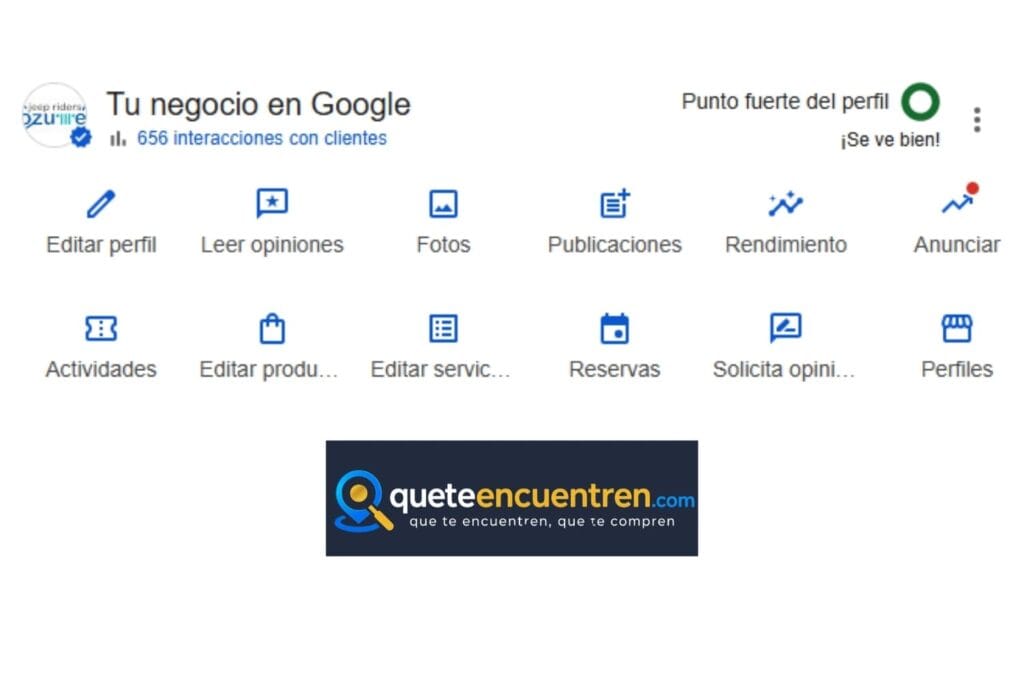
The following steps explain how to add, claim, verify, complete, and manage your Google Business Profile so customers can find more accurate information about your business on Google Search and Google Maps.
Step 1: Add or Claim Your Business Profile
Go to Google Business Profile and search for your business name. In some cases, Google may already have created a basic profile based on public information or user contributions. If the profile exists, request ownership. If it does not exist, create a new profile with accurate business information.
Action: Search for your business name on Google Maps and confirm whether a profile already exists.
Step 2: Verify Your Business
Verification helps Google confirm that you are authorized to manage the Business Profile. Until a profile is verified, you may have limited ability to manage how the business appears on Google Search and Google Maps.
Google may offer different verification methods depending on the business, location, category, and account history. These can include phone, email, video recording, live video call, postcard, or other available methods shown inside Google Business Profile.
Step 3: Complete Your Profile Like a Customer-Facing Sales Asset
Your Google Business Profile is often one of the first places a potential customer sees your business. Treat it as a customer-facing sales asset, not as a simple directory listing.
Business name: Use the real world business name. Do not add extra keywords that are not part of the official name.
Primary category: Choose the most specific category that accurately represents your main business activity.
Business description: Explain what you offer, who you serve, and where you operate in a clear and natural way.
Hours: Keep regular hours, holiday hours, and temporary changes updated.
Phone number and website: Make sure they match the information shown on your website and other public business profiles.
Services, products, or booking options: Add the options that help customers understand what they can request, buy, reserve, or ask about.
A complete profile reduces confusion. It also gives customers more context before they call, message, visit, book, or decide whether your business is the right fit.
Step 4: Add Photos That Help Customers Recognize and Trust Your Business
Photos help customers understand what to expect before they call, visit, book, or message your business. They should represent the real experience, not an overly edited version of it.
For local businesses, the best photos are usually the ones that reduce uncertainty: what the place looks like, what the service includes, who is behind the business, and what the customer will experience.
Exterior photos: Help customers recognize the location when they arrive.
Interior or environment photos: Show the atmosphere, cleanliness, seating area, facilities, or service setting.
Product or service photos: Show what the customer can buy, book, order, or request.
Team or owner photos: Humanize the business and help build trust.
Process photos: Useful for tours, clinics, restaurants, workshops, professional services, and service-area businesses.
Seasonal or updated photos: Help the profile stay current and reflect what customers can expect now.
Use descriptive file names before uploading photos when possible. This helps keep your media organized and gives additional context about the image, but it should not be treated as a guaranteed ranking factor.
Step 5: Use Google Posts When They Are Useful for Customers
Google Business Profile allows many businesses to publish updates directly on their profile. These posts can help customers see current information, seasonal messages, offers, events, or useful details before they decide to contact you.
Posts should not be treated as a magic ranking tool. Their value is practical: they help keep your profile useful, timely, and more informative for people who are already evaluating your business.
Business updates: Share changes in hours, availability, services, or important notices.
Offers or promotions: Use them only when the offer is real, current, and clearly explained.
Events or seasonal updates: Helpful for tours, restaurants, clinics, local shops, and service businesses.
New products or services: Show what customers can now request, book, buy, or ask about.
Useful customer information: Explain what to expect, how to prepare, what is included, or how to contact you.
You do not need perfect posts. You need accurate, helpful, and consistent updates that make your profile easier for customers to understand.
Step 6: Build a Review Process That Is Ethical and Sustainable
Reviews help potential customers understand how other people experienced your business. They also give Google more public context about the business, the services it provides, and how customers describe their experience.
The best review process is simple, ethical, and consistent. Do not buy reviews, pressure customers, offer incentives in exchange for positive feedback, or ask only happy customers while filtering out others.
Ask after a real customer experience.
Make the request simple and human.
Send the direct Google review link when appropriate.
Do not request a specific rating.
Do not offer rewards in exchange for reviews.
Respond professionally to both positive and negative reviews.
Example: “Thank you for choosing us. If you found the experience helpful, your honest Google review would mean a lot to our business. I can send you the direct link.”
A steady flow of honest reviews can help your profile look more trustworthy to customers. The goal is not to manipulate the system; the goal is to make it easier for real customers to share their experience.
Step 7: Respond to Reviews, Questions, and Messages
A Google Business Profile is not only a place where customers find information. It is also a public communication channel. Reviews, questions, messages, and customer interactions can influence how people perceive your business before they contact you.
Responding professionally shows that the business is active, attentive, and willing to help. A thoughtful response to a negative review can be especially important because future customers may read that response before deciding whether to trust the business.
Thank customers for positive reviews.
Respond calmly and professionally to negative reviews.
Avoid defensive or emotional replies.
Do not reveal private customer information.
Answer common questions clearly.
Keep messages and contact paths active if you offer them.
Use responses as a way to show how the business handles service, care, and accountability.
Good practice: respond as quickly as your operation realistically allows. Fast responses are useful, but they should always be accurate, professional, and consistent with your real service capacity.
Your responses are part of your public reputation. They help potential customers see how your business communicates, solves problems, and treats people after the sale or service.
How Long Does It Take to Work?
The honest answer is: it depends on your market, your competition, the condition of your current profile, and how consistently the business manages its local visibility.
Creating or verifying a Google Business Profile can help your business become eligible to appear with more accurate information on Google Search and Google Maps. But stronger visibility usually requires ongoing work: complete information, useful photos, ethical reviews, consistent contact details, and a website or booking path that supports the customer journey.
How competitive your city, category, or service area is
Whether your profile is new, incomplete, duplicated, suspended, or already active
How accurate and consistent your business information is across Google, your website, and other public profiles
How often customers interact with your profile through calls, messages, directions, bookings, or website visits
How many trustworthy signals your business has built over time, including reviews, photos, content, and real customer activity
The most practical approach is to measure progress month by month. Instead of focusing only on ranking positions, review the actions that matter to the business: calls, messages, website visits, direction requests, bookings, and qualified inquiries.
What Separates Businesses That Perform Better on Google Maps
Across local businesses, tourism businesses, restaurants, clinics, service providers, and professional firms, the pattern is usually similar: stronger profiles are not always the most visually polished ones. They are the ones that are complete, accurate, active, and easier for customers to understand.
A business that performs better locally usually gives both customers and search systems more consistent information across its Google Business Profile, website, reviews, photos, contact options, and booking or inquiry path.
Their business information is complete and consistent.
Their photos show the real customer experience.
Their reviews are requested ethically and answered professionally.
Their website, Google profile, and public listings tell the same story.
Their contact paths are clear: call, message, book, visit, or request information.
Their profile is maintained over time instead of being treated as a one-time setup.
It is not magic, and it is not luck. It is the result of consistent local visibility work that makes the business easier to find, understand, trust, and contact.
The 60-Second Summary
If you can do only one thing today, check whether your business already appears on Google Maps and confirm whether you have access to manage the profile.
Add or claim your Google Business Profile.
Verify the business using the method Google provides.
Complete the profile with accurate information.
Add photos that represent the real business.
Use updates when they help customers understand what is current.
Request reviews ethically after real customer experiences.
Respond professionally to reviews, questions, and messages.
Measure customer actions, not only ranking positions.
The purpose is not to chase every possible tactic. The purpose is to build a profile that gives customers and search systems clearer, more reliable information about your business.
Want Help With This?
Getting your business on Google Maps is only the starting point. The real work is building a profile, website, and customer journey that make your business easier to find, understand, trust, and contact.
If you want a clearer view of what is helping or limiting your local visibility, QueteEncuentren can review your current presence and help you identify a practical next step.
No pressure. No ranking promises. Just a clear consultation about your current local visibility and what can be improved.

Francisco Pacheco
Local SEO and digital visibility strategist for businesses in Mexico.

Kevin Carter
Co-Founder & English Market Operations Director
Sources Consulted
This article is based on official Google documentation about Google Business Profile, local ranking, and SEO fundamentals, along with QueteEncuentren’s practical experience helping businesses organize their local digital presence.
Google Business Profile Help: Add or claim your Business Profile on Google
Google Business Profile Help: How to improve your local ranking on Google
Google Search Central: SEO Starter Guide
Add or claim your Business Profile on Google
→ https://support.google.com/business/answer/2911778?hl=en
How to improve your local ranking on Google
https://support.google.com/business/answer/7091?hl=en
SEO Starter Guide
→ https://developers.google.com/search/docs/fundamentals/seo-starter-guide
Written by QueteEncuentren.com — Local SEO, Google Maps visibility, and digital visibility specialists helping businesses in Mexico become easier to find, understand, and contact.